
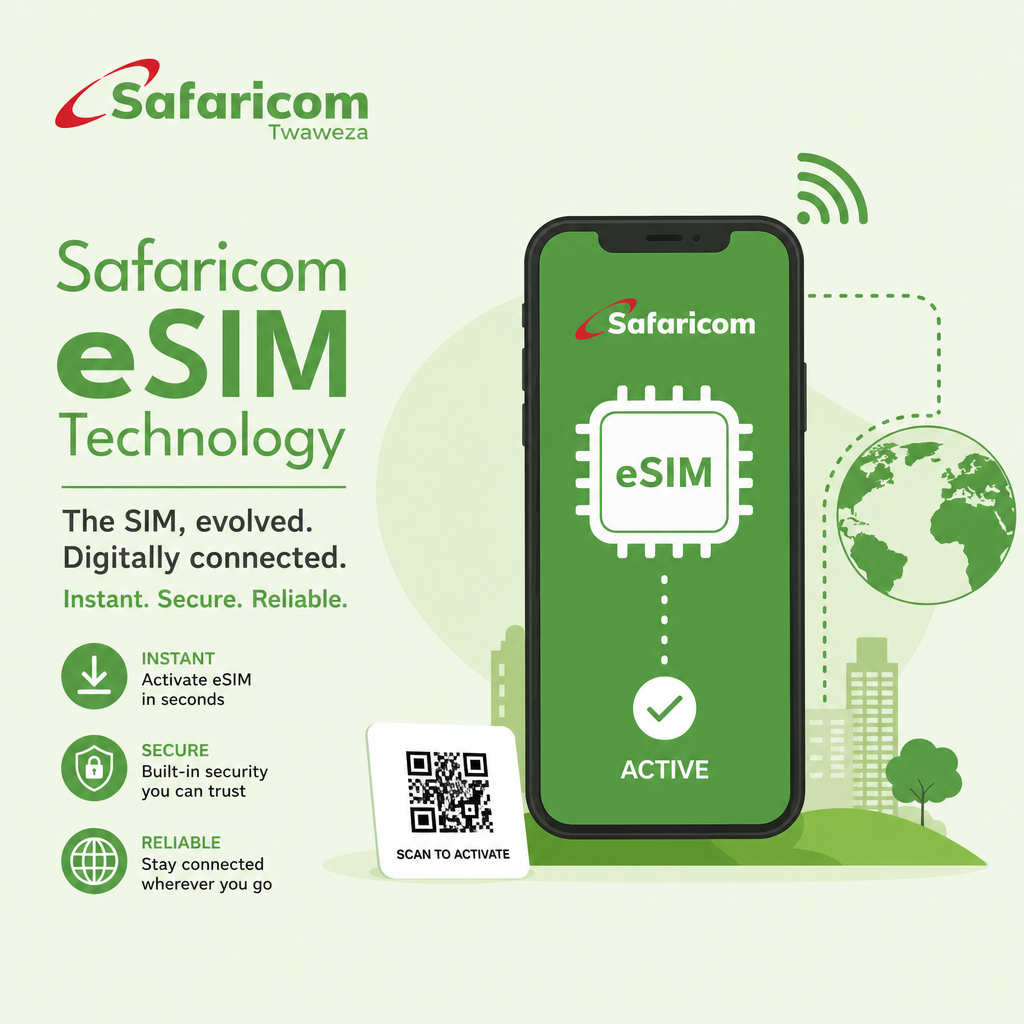
How to Use e SIMs in East Africa
Travelling through East Africa is an exciting experience, whether you are exploring Uganda’s national parks, watching wildlife in Kenya’s Maasai Mara, visiting Rwanda’s mountain gorillas or enjoying Tanzania’s beautiful landscapes. However, staying connected while travelling between countries can sometimes be challenging, especially when you need mobile internet for communication, navigation and travel arrangements.
Learning how to use e SIMs in East Africa can make your journey more convenient. An e SIM allows you to activate a mobile data plan without inserting a traditional plastic SIM card into your phone. You can purchase a compatible travel plan, install it digitally and connect to supported networks when you arrive.
For safari travellers visiting Uganda, Kenya, Tanzania and Rwanda, e SIM technology provides a practical way to access mobile data. This guide explains how e SIMs work, where to buy them and how to avoid common connectivity problems.
What Is an e SIM and How Does It Work?
An e SIM, meaning embedded Subscriber Identity Module, is a digital SIM built into compatible smartphones and other devices.
Unlike a traditional SIM card, an e SIM does not require inserting or removing a physical card.
Instead, your mobile provider supplies a digital profile that you install using a QR code, application or activation instructions.
Once activated, the e SIM connects your phone to supported mobile networks.
Some smartphones allow you to keep your regular SIM active while using a separate travel e SIM for internet access.
This is useful when you want to maintain your home phone number while travelling abroad.
However, many international travel e SIM packages provide mobile data only, meaning ordinary phone calls and SMS messages may not be included.
Why Use an e SIM During an East African Safari?
An e SIM offers several advantages when travelling across East Africa.
First, it reduces the need to purchase and physically replace SIM cards whenever you enter another country.
Second, you may be able to arrange mobile connectivity before leaving home.
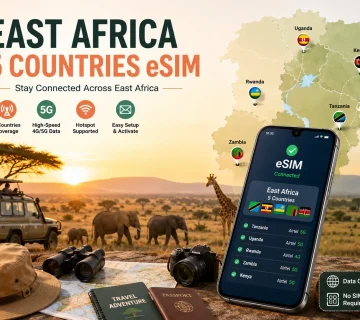
Third, some regional e SIM plans provide coverage in several East African countries under one package.
Other practical benefits include:
- Accessing online maps and travel information.
- Communicating through WhatsApp and email.
- Contacting safari operators and accommodation providers.
- Checking weather forecasts.
- Sharing photographs with family and friends.
- Keeping your regular phone number available on supported devices.
An eSIM can also be useful during airport transfers and overnight stays in unfamiliar cities.
However, it does not guarantee internet access inside remote national parks.
1. Check Whether Your Phone Supports e SIM
Before purchasing an e SIM, confirm that your smartphone supports the technology.
Many modern iPhones, Samsung Galaxy models and Google Pixel devices are compatible, although support varies by model and sales region.
For example, Apple introduced e SIM support with the iPhone XS, XS Max and XR.
Some Android devices also support e SIM alongside physical SIM cards.
How to Check Compatibility
On many phones, dial *#06# and look for an EID number.
The EID is an identifier associated with e SIM-capable devices.
You can also check your phone’s mobile network settings for an option to add an e SIM.
Ensure your device is unlocked and can accept a plan from another network provider.
A phone restricted to one carrier may not accept a separate travel e SIM.
2. Choose Between Local and Regional e SIM Plans
Travellers can generally choose between local e SIM plans and international travel packages.
A local e SIM connects you to a mobile provider in a particular country.
A regional travel e SIM may include several countries within the same package.
| e SIM Type | Best For | Main Advantage |
|---|---|---|
| Local e SIM | Visiting one country | Access to a local mobile service |
| Regional e SIM | Multi-country safaris | One package for several destinations |
| Global e SIM | International travellers | Coverage across supported countries |
| Home carrier roaming | Short trips | Keep existing mobile service arrangements |
Before purchasing, read the coverage information carefully.
A package advertised for Africa may not include every East African country.
Also check whether the plan provides data only or includes a phone number.
3. Using e SIMs in Uganda
Uganda is a popular safari destination, especially for gorilla trekking in Bwindi Impenetrable National Park, chimpanzee tracking in Kibale and wildlife viewing in Queen Elizabeth National Park.
Major mobile network operators include MTN Uganda and Airtel Uganda.
Travellers should check current e SIM availability directly with the relevant operator or choose an international provider offering Uganda coverage.
Mobile internet is generally easier to access around Kampala, Entebbe and other developed areas than in remote wildlife habitats.
Before travelling towards Bwindi, Murchison Falls or Kidepo Valley National Park, download offline maps and important documents.
Do not assume your e SIM will provide continuous connectivity throughout your safari.
4. Using e SIMs in Kenya
Kenya has an established mobile telecommunications sector, with providers including Safaricom and Airtel Kenya.
Airtel Kenya offers e SIM services and provides activation assistance through its customer service shops.
Travellers visiting Nairobi, the Maasai Mara, Amboseli or other destinations can compare local and international e SIM options.
Before buying a package, verify which Kenyan network your travel e SIM uses.
Network coverage may vary considerably between urban centres and remote conservation areas.
If your itinerary includes several days in the Maasai Mara, consider downloading maps and saving accommodation contact details before leaving Nairobi.
5. Using e SIMs in Tanzania
Tanzania offers memorable safari experiences in the Serengeti, Ngorongoro Conservation Area, Tarangire National Park and other destinations.
Mobile providers include Vodacom Tanzania, Airtel Tanzania and other licensed operators.
Airtel Tanzania provides e SIM services for compatible devices.
Travellers can also investigate international travel e SIM packages that include Tanzania.
However, a package that works well in Arusha may provide weaker reception in remote areas of the Serengeti.
Ask your safari operator which networks generally perform better along your planned route.
If you intend to visit Zanzibar after your safari, confirm that your selected package covers both mainland Tanzania and Zanzibar.
6. Using e SIMs in Rwanda
Rwanda attracts visitors interested in gorilla trekking, chimpanzees, cultural experiences and wildlife safaris.
Popular destinations include Kigali, Volcanoes National Park, Nyungwe National Park and Akagera National Park.
MTN Rwanda provides mobile services, and travel e SIM options are available for visitors.
Before buying, confirm the supported local network, data allowance and activation conditions.
Connectivity may be more reliable in Kigali than in mountainous forest areas.
For gorilla trekking, keep your booking confirmation and other important details accessible offline.
7. How to Install an e SIM Before Travelling
Installing an e SIM is usually straightforward when your phone and purchased plan are compatible.
Follow these steps:
- Check that your smartphone supports e SIM and is unlocked.
- Choose a provider covering your destination.
- Purchase a suitable data package.
- Connect your phone to a reliable Wi-Fi network.
- Open your mobile network settings.
- Select the option to add an e SIM.
- Scan the provider’s QR code or follow its application instructions.
- Complete the installation and review the activation settings.
On an iPhone, you can usually find the option under Settings and Cellular or Mobile Data.
On supported Google Pixel phones, it appears under Network & Internet, SIMs and Add SIM.
The exact menu names depend on your device.
Some plans begin their validity period when installed, while others start when they first connect to a supported network. Check this before activating.
8. How Much Mobile Data Do You Need?
Your data requirements depend on how frequently you use your phone.
Simple messaging and occasional browsing consume less data than video calls, streaming and uploading photographs.
The following allowances are general planning estimates.
| Safari Duration | Suggested Data Allowance |
|---|---|
| 3–5 days | 1–3 GB |
| 7 days | 3–5 GB |
| 10–14 days | 5–10 GB |
| 15–21 days | 10–20 GB |
| 30 days | 20 GB or more |
These estimates assume moderate usage and do not include extensive video streaming.
If you regularly upload large photographs or work remotely, consider a bigger package.
Use lodge Wi-Fi where available to reduce mobile data consumption.
9. How to Avoid Expensive Roaming Charges
One advantage of a travel eSIM is the ability to control mobile data spending.
However, incorrect phone settings can still result in roaming charges.
After installation, select your travel e SIM as the preferred mobile data line.
Disable data roaming on your home SIM if you do not want it to incur charges.
Some travel e SIMs require data roaming to be enabled on the travel line because they connect through partner networks.
Follow the provider’s instructions carefully.
You can usually keep your home number active for calls and messages, but additional roaming fees may apply.
10. What Happens When Your e SIM Stops Working?
Occasional connectivity problems can occur, particularly in remote safari areas.
If your e SIM stops connecting, first check whether you are within the provider’s coverage area.
Try switching aeroplane mode on and off.
Confirm that the correct SIM is selected for mobile data and that the required roaming settings are active.
You can also restart your phone or check whether your data package has expired.
Avoid deleting the e SIM profile unless your provider instructs you to do so. Some activation codes cannot be reused.
If problems continue, contact your provider using available Wi-Fi.
11. Do e SIMs Work Inside East African National Parks?
e SIM coverage depends on the underlying mobile network.
National parks often contain remote landscapes, mountains and forests where mobile signals are weak or unavailable.
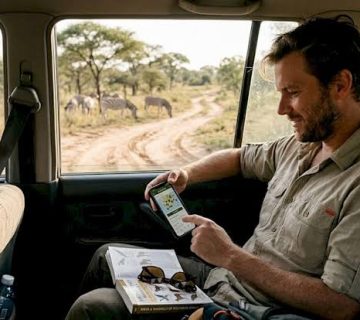
For example, you may have reception near a safari lodge but lose connectivity during a game drive.
Your guide may know areas with better network coverage, although no location guarantees service.
Download your maps, booking documents and emergency contact details before entering remote areas.
Always rely on your guide’s established communication procedures for emergencies rather than assuming your personal phone will remain connected.
Stay Connected During Your East African Safari
Learning how to use e SIMs in East Africa can simplify communication and navigation during your travels.
Whether you visit Uganda, Kenya, Tanzania or Rwanda, selecting the right plan before departure helps you manage your mobile data needs.
Check device compatibility, compare coverage, understand activation rules and prepare offline travel information.
An e SIM can make your safari more convenient, but remember that mobile connectivity is never guaranteed in remote wildlife destinations.
Prepare your phone before travelling, stay connected where coverage allows and enjoy your African safari without unnecessary communication problems.


No comment